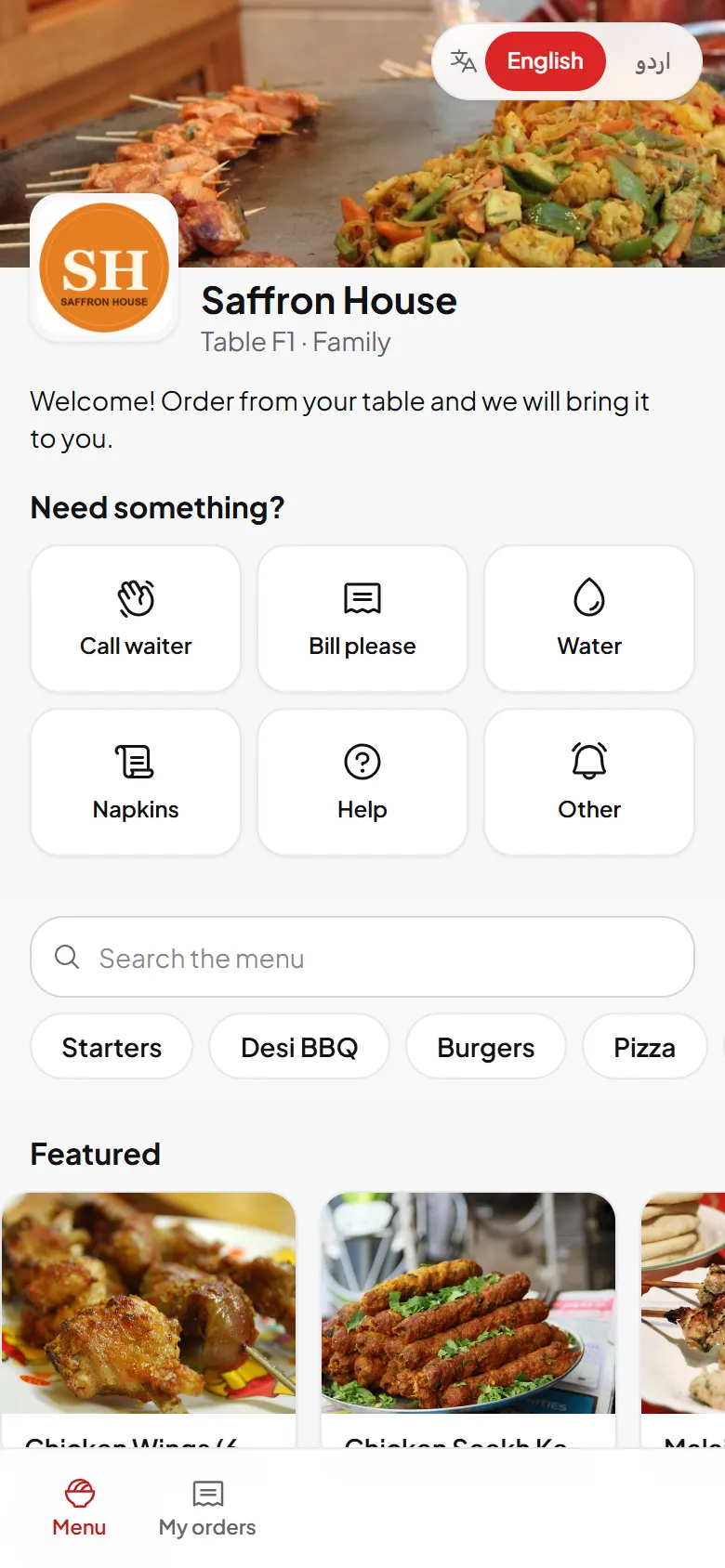
One menu, every screen, always current
Change a price or sell out a dish in one tap, everywhere at once.
Build your menu once. The guest app, waiter app, counter and kitchen all read the same items, so a sold-out dish disappears everywhere the moment you switch it off.
- Import, do not retype
- Sizes and add-ons
- One-tap availability
- Schedules

What you get
Import, do not retype
Upload a spreadsheet or a photo of your paper menu. Review the batch, then publish.
Sizes and add-ons
Half or full, regular or large, with required and optional add-on groups and limits.
One-tap availability
Mark an item sold out from any screen. It returns when you switch it back on.
Schedules
Show breakfast from 7 to 11 or a lunch deal on weekdays only.
Branch overrides
One central menu with prices, availability or hidden items per branch.
Every language
Names and descriptions in English, Urdu and more. Guests see their own language.
How it works
- Add categories and items By hand, from a spreadsheet or from a photo.
- Set sizes, add-ons and photos So every order reaches the kitchen complete.
- Publish The guest menu updates at once on every table.
Included in every plan: Menu management
See DishRoute at work
Real screens from our demo restaurant, Saffron House.