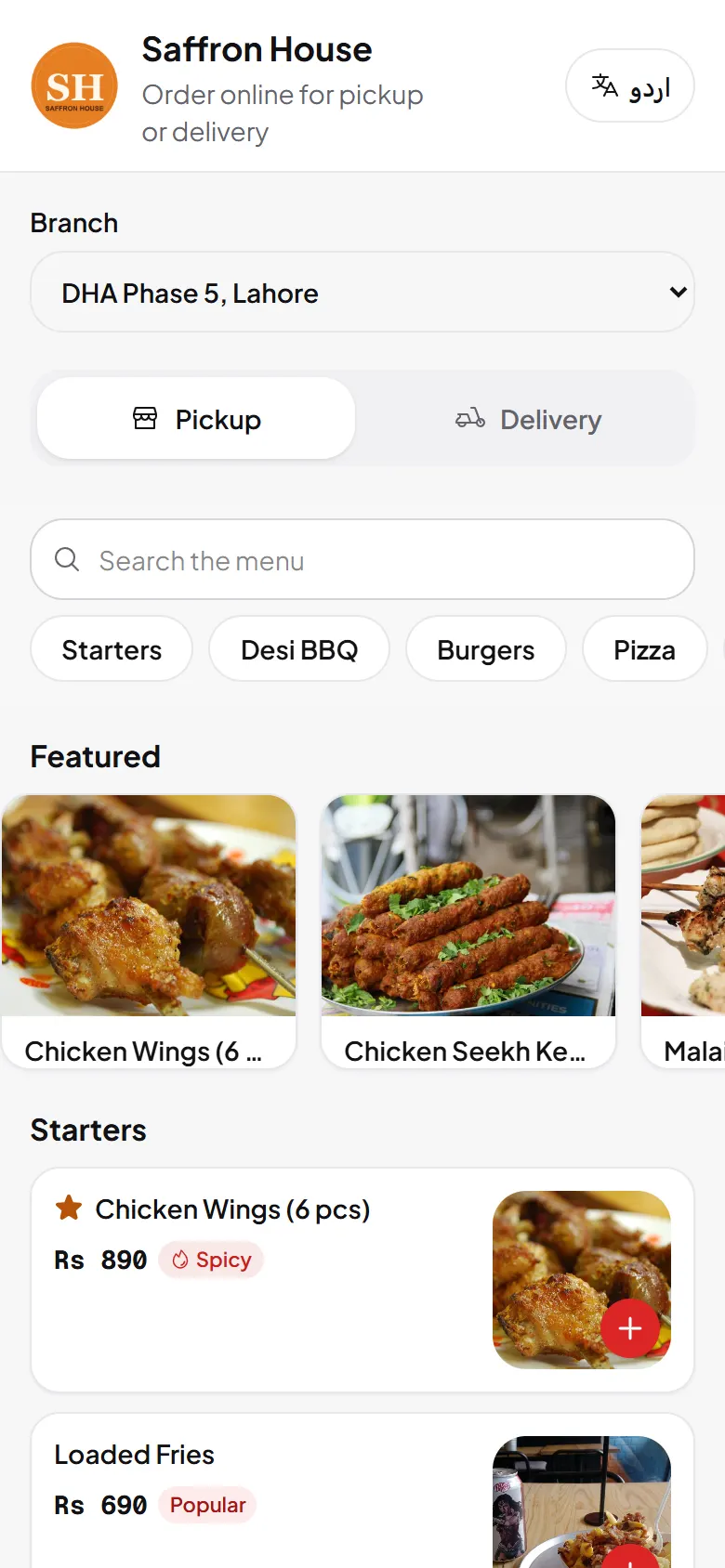
Online ordering lets guests order pickup or delivery without scanning a table code. Your restaurant page shows your menu, photos and booking link.
Switch it on
- Open Settings and choose Online ordering.
- Choose what you offer: pickup, delivery or both.
- Add delivery zones. Choose Add zone and name each area you deliver to.
- Save and open your ordering page to test it.
Handle orders
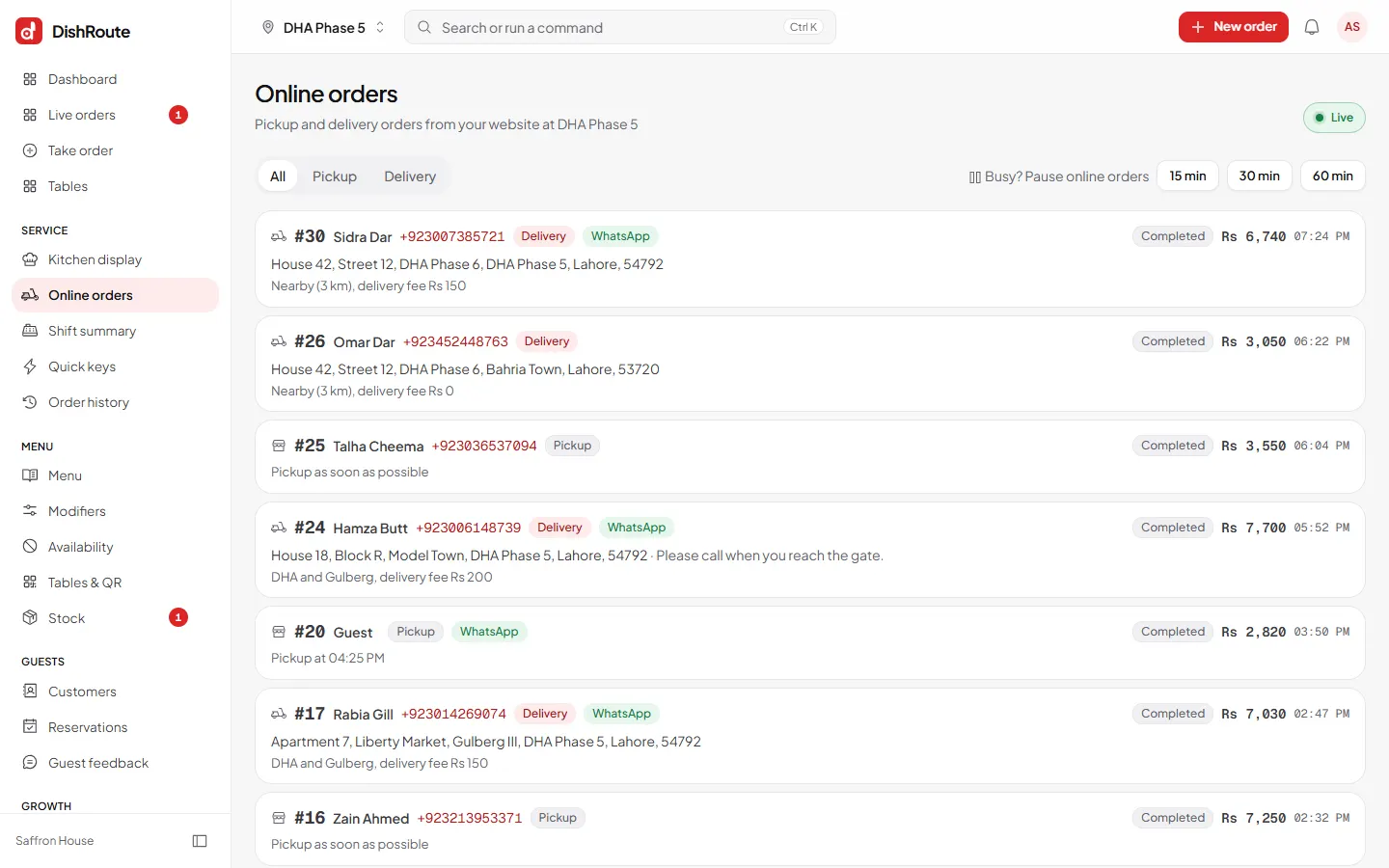
New online orders appear on Online orders. Accept them, move them through the kitchen and mark them ready or delivered, just like table orders.
What guests see
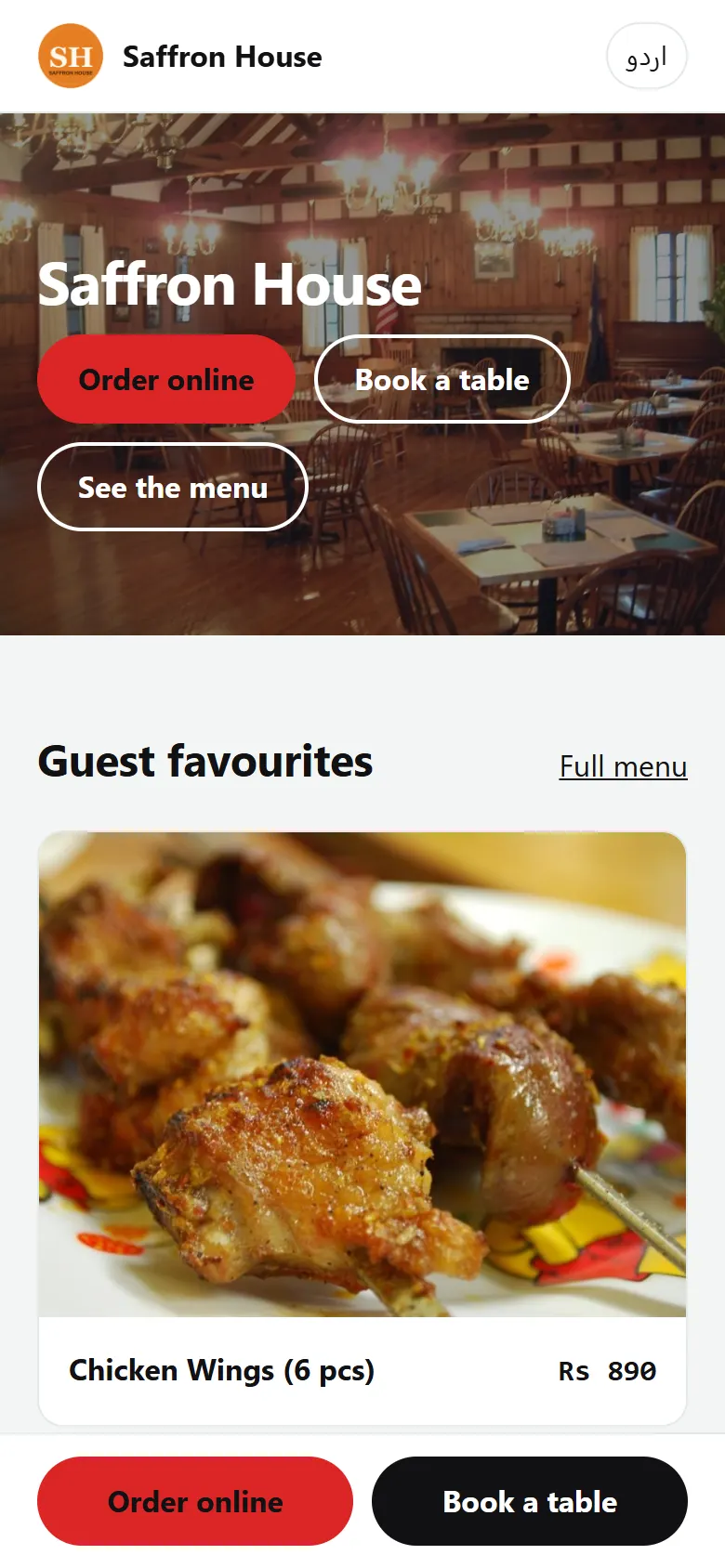
Your restaurant website
Under Settings > Website add photos, a description and the text that shows in search results. The page opens at your workspace address with /r/ and your handle.
Related
Was this page helpful?
Good to hear. Your answer is not sent or saved.
Sorry about that. Tell us what was missing and we will improve this guide. Tell us