The Dashboard shows how today is going. Reports gives the detail and lets you print or export it.
The dashboard
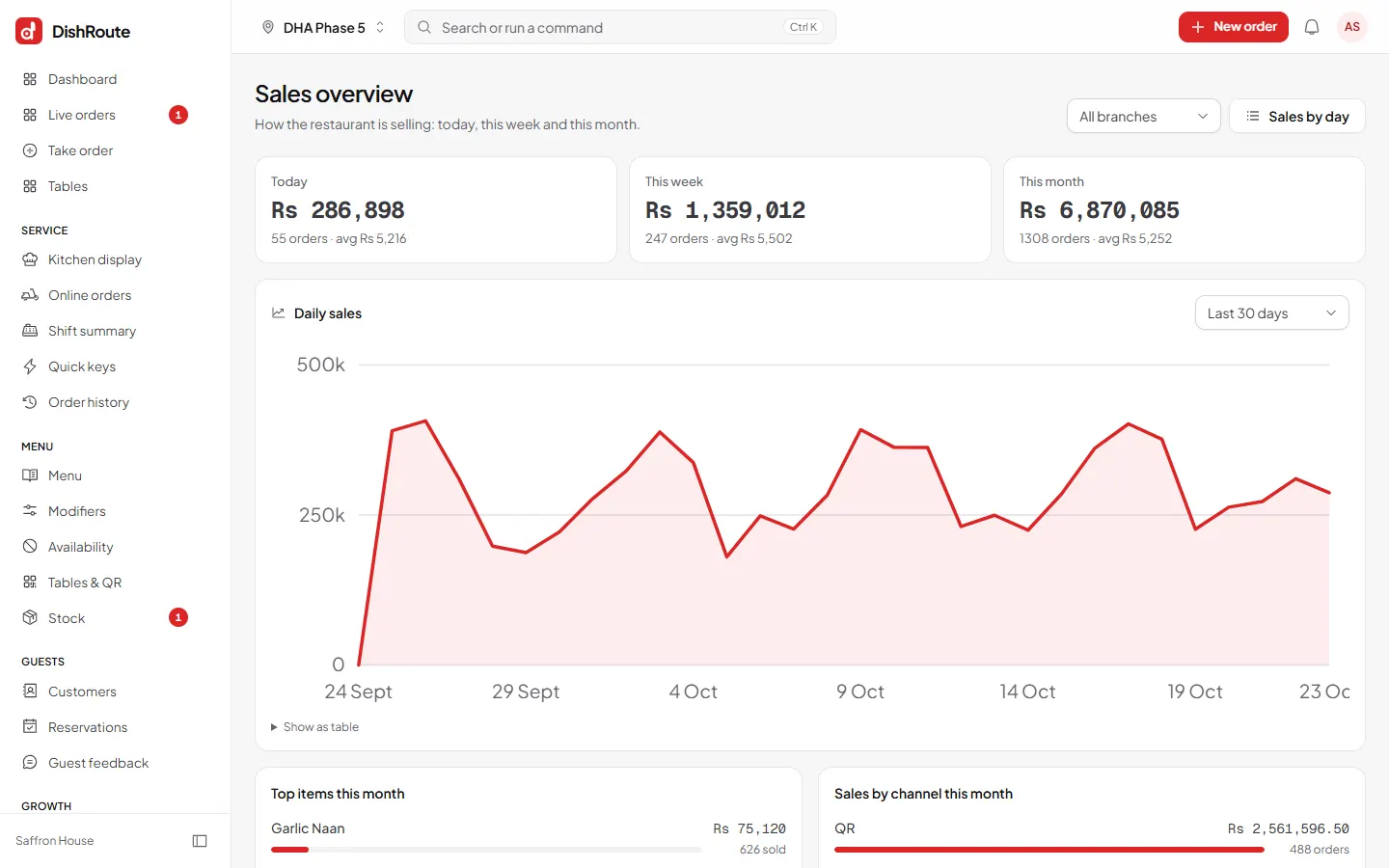
Open Dashboard to see today's sales, orders, average order value and guests, with a comparison to last week. It also shows orders by stage, alerts that need attention, hourly sales and your top items.

Open a report
- Open Reports from the left menu. Reports are grouped as Orders and sales, Payments and cash, Menu, Guests, Inventory, Accounts and System. You only see the groups your role allows.
- Choose a report.
- Select criteria. Pick the period, the branch or All branches, and any filters the report offers.
- Review the results on screen.
Print or export
- Run the report with the criteria you want.
- Choose Print or Export. Export to Excel for spreadsheets, or PDF for a printable copy.
- Set your defaults once under Report preferences: export format, document language, rows per page and paper size.
PDF reports print in plain black and white with ruled tables, so they copy cleanly on any printer.
Other exports
Settings > Data lets owners export restaurant data. Order history can be filtered and searched before you export.
Related
Was this page helpful?
Good to hear. Your answer is not sent or saved.
Sorry about that. Tell us what was missing and we will improve this guide. Tell us