A branch is one restaurant location. Each has its own tables, hours, prices, kitchen and staff.
Add a branch
- Open Settings and choose Branches.
- Choose Add branch.
- Fill in the name, short code, city, address and phone.
- Set opening hours and save.
- Add its tables. Open Tables & QR with the new branch selected.
The number of branches depends on your plan. The Subscription page shows what you use and your limit.
Switch branch
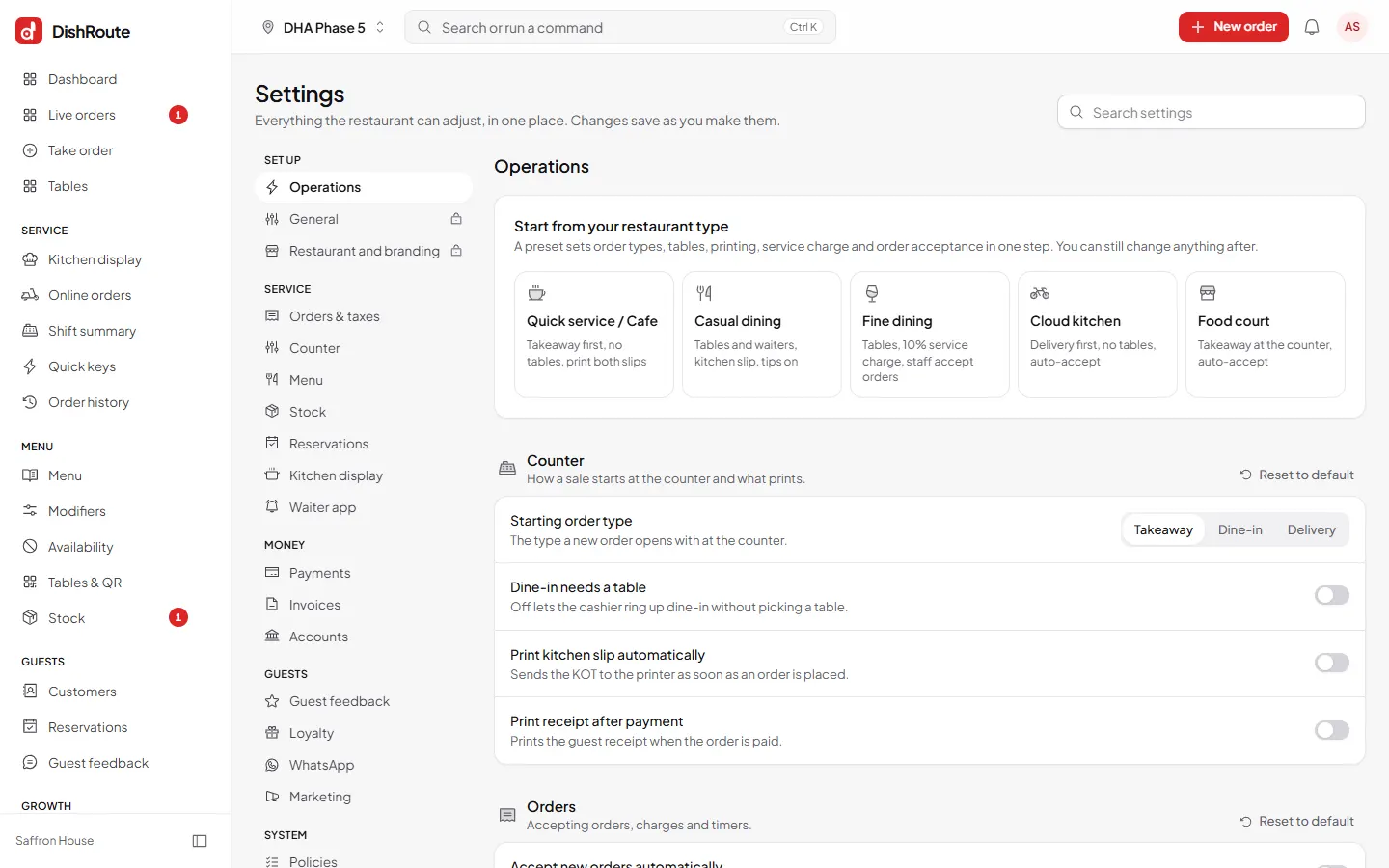
Use the branch name at the top left of any screen to switch. Choose All branches where you want a combined view, for example in reports.
Limit staff to a branch
When you add or edit a user, choose the branches they can open. A waiter at one location then never sees another branch.
Prices and sold out per branch
Open a menu item and use its Branches tab to set a different price or availability at one branch. Empty fields follow the main item.
Related
Was this page helpful?
Good to hear. Your answer is not sent or saved.
Sorry about that. Tell us what was missing and we will improve this guide. Tell us