اس صفحے پر
Paying
A guest chooses how to pay when they order or when the meal ends. Cash and card are taken by staff. If your plan includes online payment and you connected a provider, the guest can pay from their phone. Staff get a notification and the order shows as paid.
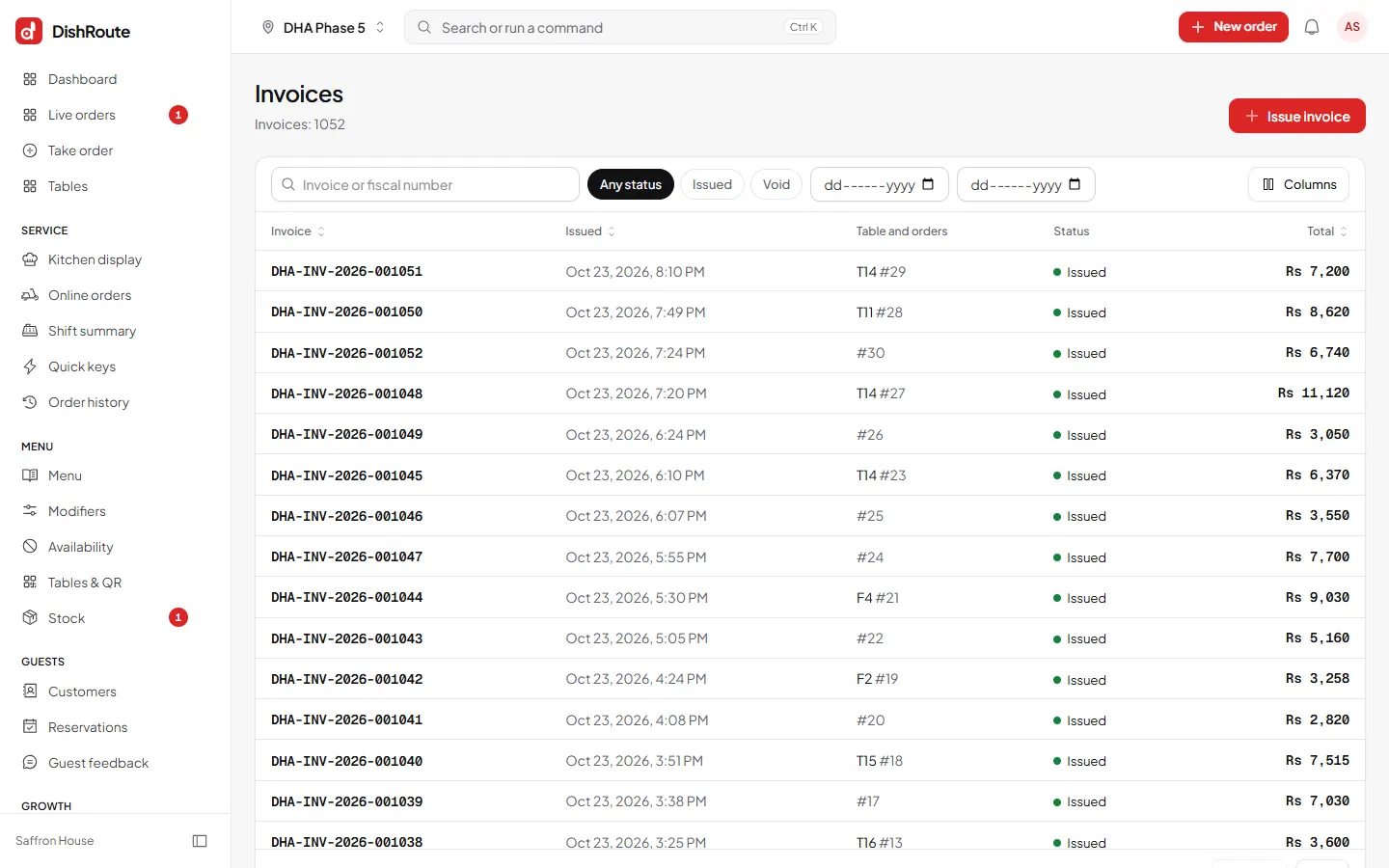
The digital invoice
After payment the guest can view, download as a PDF or share their invoice from the same phone page. It carries your logo, tax numbers and the full breakdown. Owners find every invoice under Invoices.
Feedback
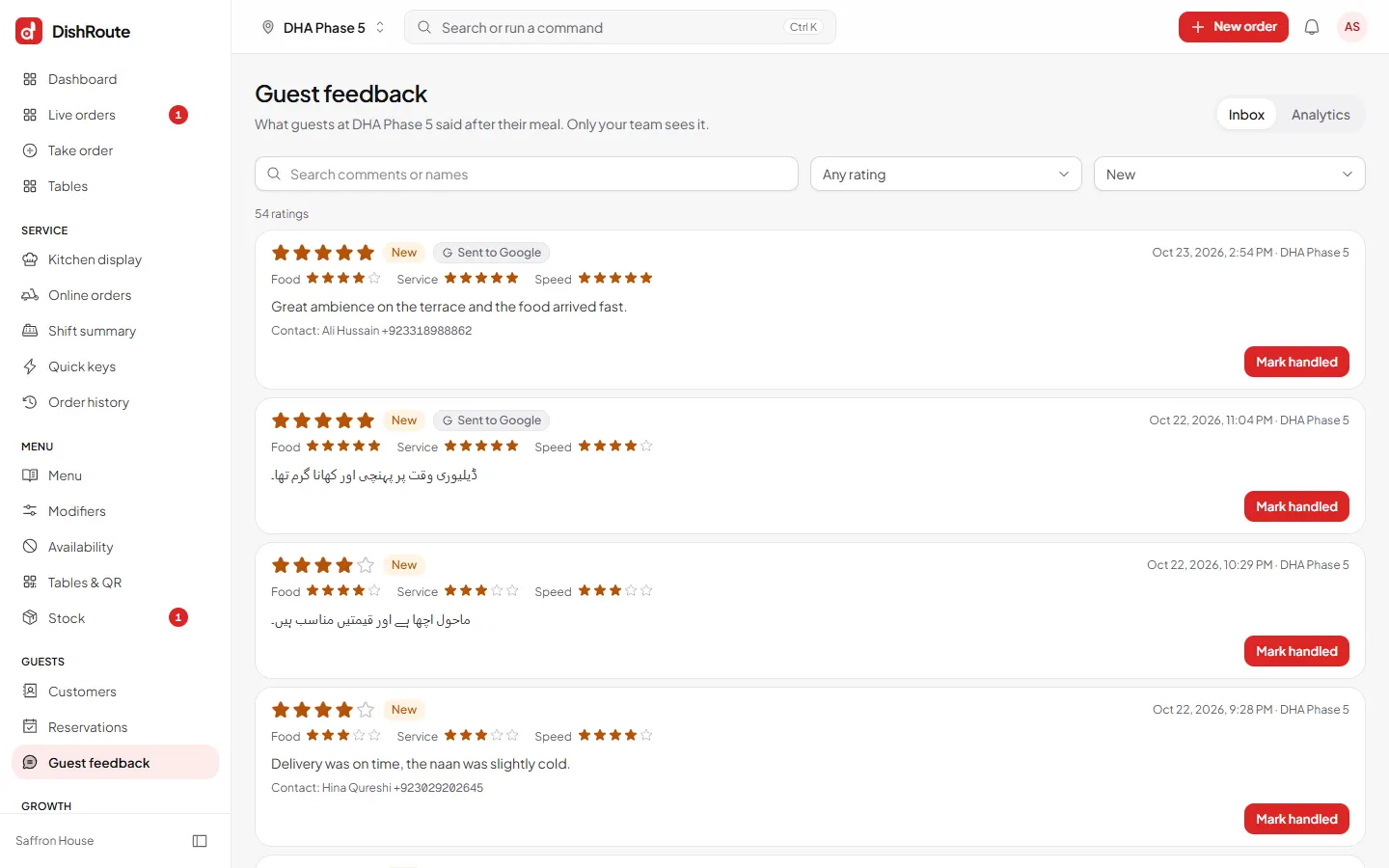
After the meal the guest can rate their visit and leave a comment. Only your team sees it.
- Open Guest feedback from the left menu.
- Read new comments. Unread ones carry the New status.
- See the rating card for averages over time.
- Follow up with unhappy guests when you have their phone number.
Switch feedback on or off under Settings > Guest feedback.
Related
کیا یہ صفحہ مفید تھا؟
سن کر خوشی ہوئی۔ آپ کا جواب کہیں بھیجا یا محفوظ نہیں کیا جاتا۔
معذرت۔ ہمیں بتائیں کیا کمی تھی، ہم یہ رہنمائی بہتر کریں گے۔ ہمیں بتائیں