When something runs out, guests should not be able to order it. Do it in one tap on the Availability screen.
Mark an item sold out
- Open Availability from the left menu.
- Find the item by scrolling or searching.
- Tap it to switch it off. It shows as sold out to guests and cannot be ordered.
- Tap it again when it is back.
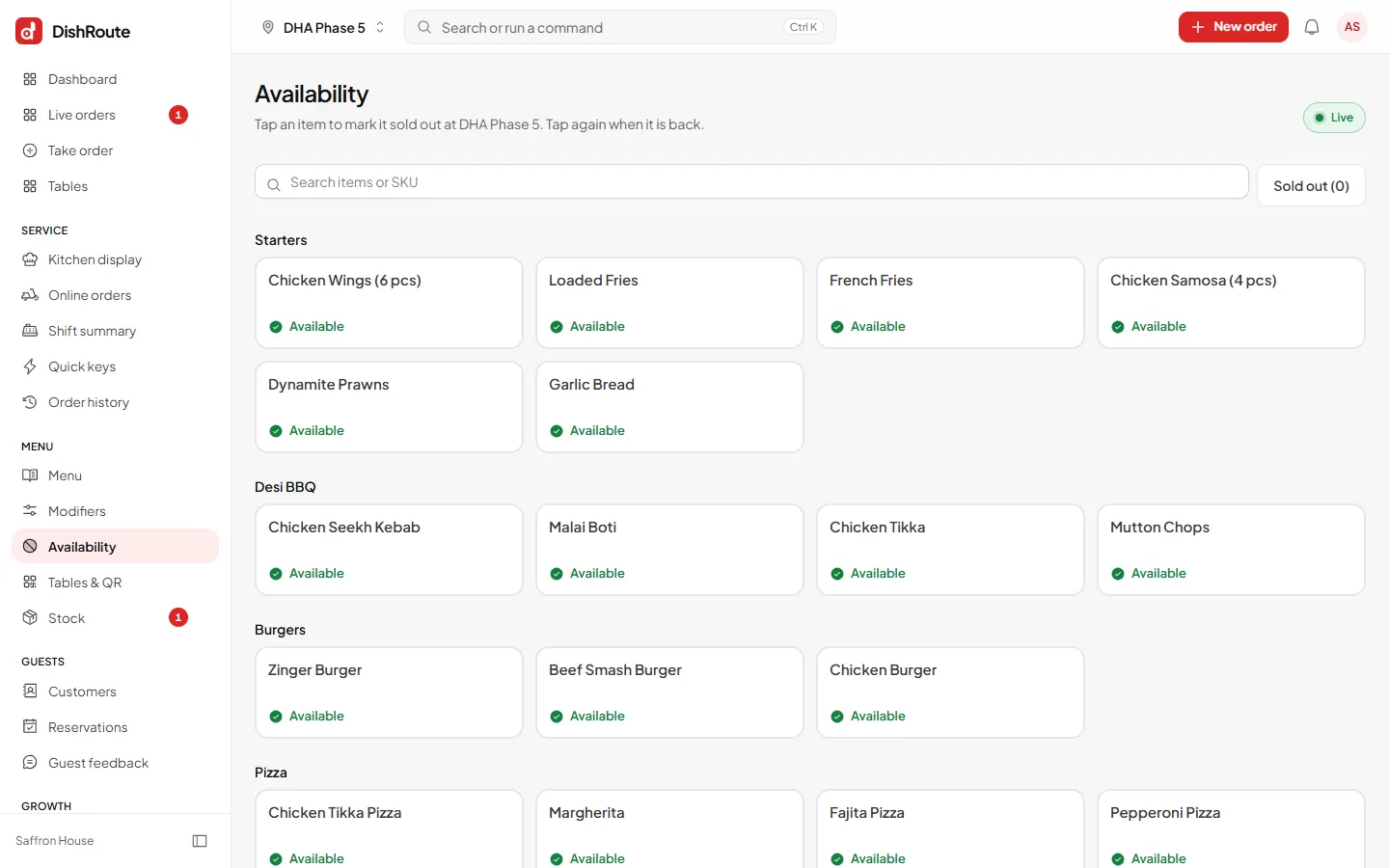
With several branches you can mark an item sold out at one branch only.
Other ways to limit an item
- Serving hours: set hours on a category so breakfast is only orderable in the morning.
- Hide it: hide an item from the menu without deleting it.
- Stock: if you use stock, an item can switch off by itself when an ingredient runs out. See stock and inventory.
Note
A guest who already added the item to their cart is told it is no longer available when they try to place the order.
Related
Was this page helpful?
Good to hear. Your answer is not sent or saved.
Sorry about that. Tell us what was missing and we will improve this guide. Tell us